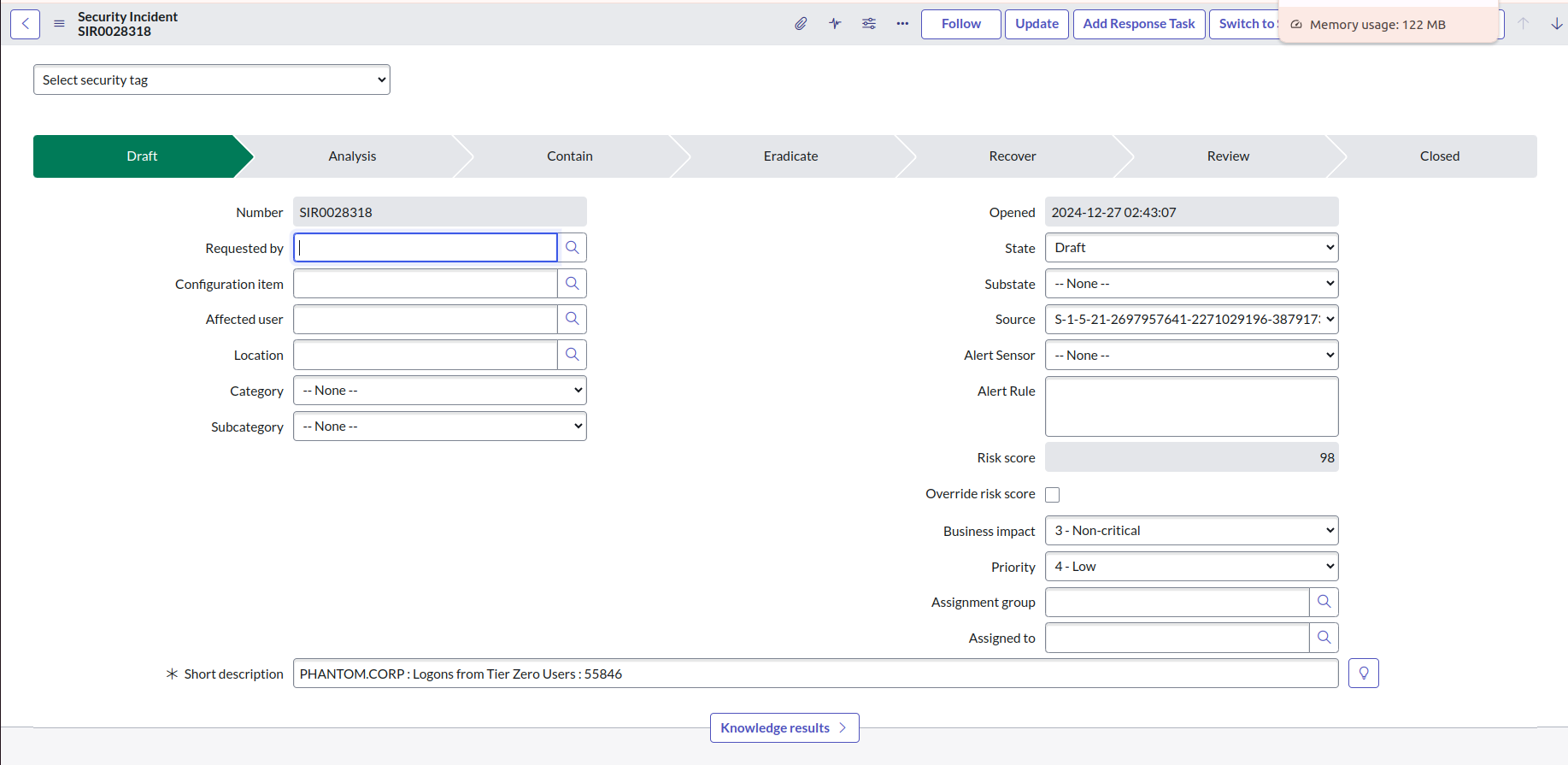
After installation and configuration are complete, the integration begins fetching attack path findings from the BloodHound Enterprise API. The integration creates a Security Incident Response (SIR) ticket for each attack path finding.
To view and manage security incidents created by the integration:
After installation and configuration are complete, the integration begins fetching attack path findings from the BloodHound Enterprise API. The integration creates a Security Incident Response (SIR) ticket for each attack path finding.
To view and manage security incidents created by the integration:
1
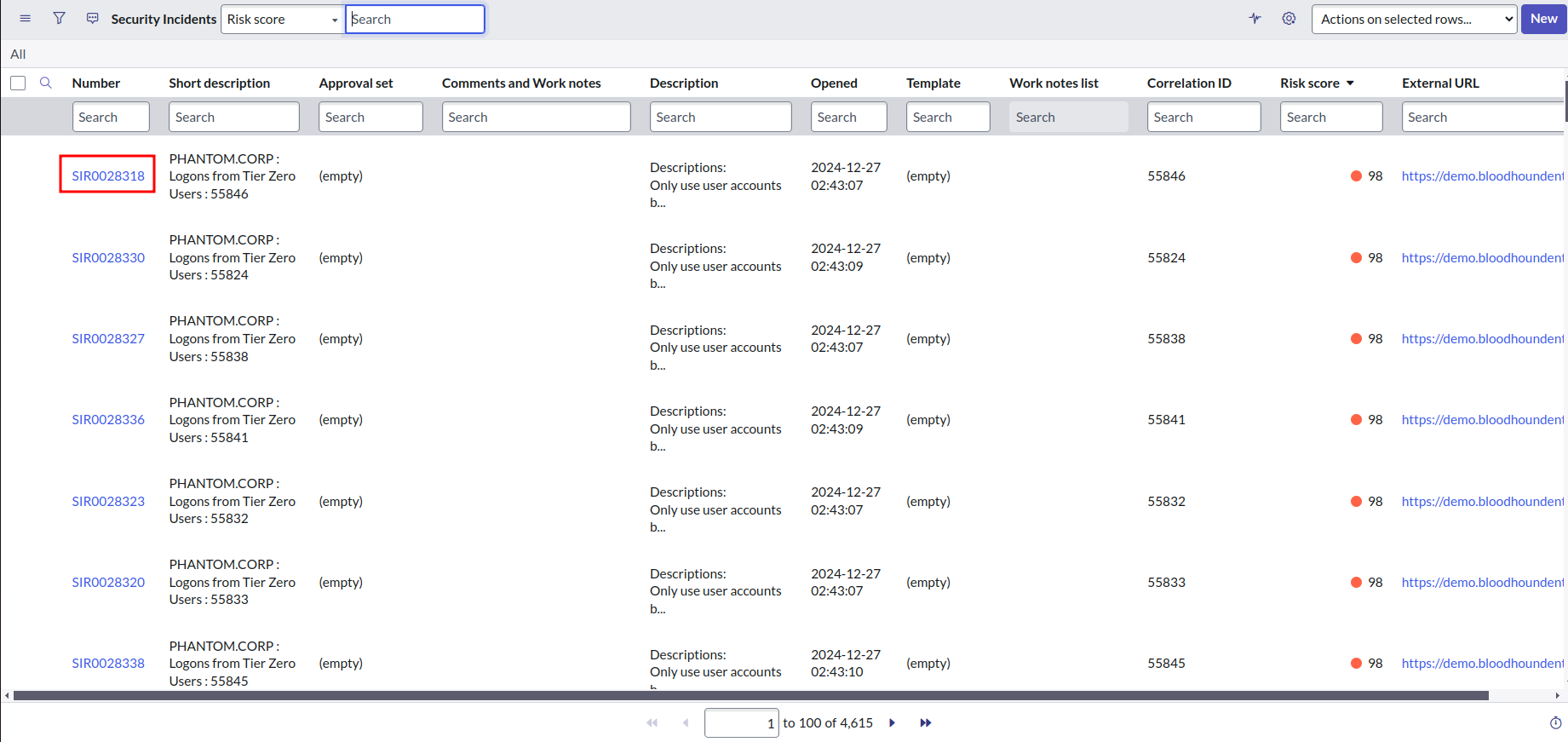
View the list of security incidents
- Log in to your ServiceNow instance.
- Click All and enter
sn_si_incident.listin the search bar to navigate to the list of security incidents.
2
View and manage a security incident
-
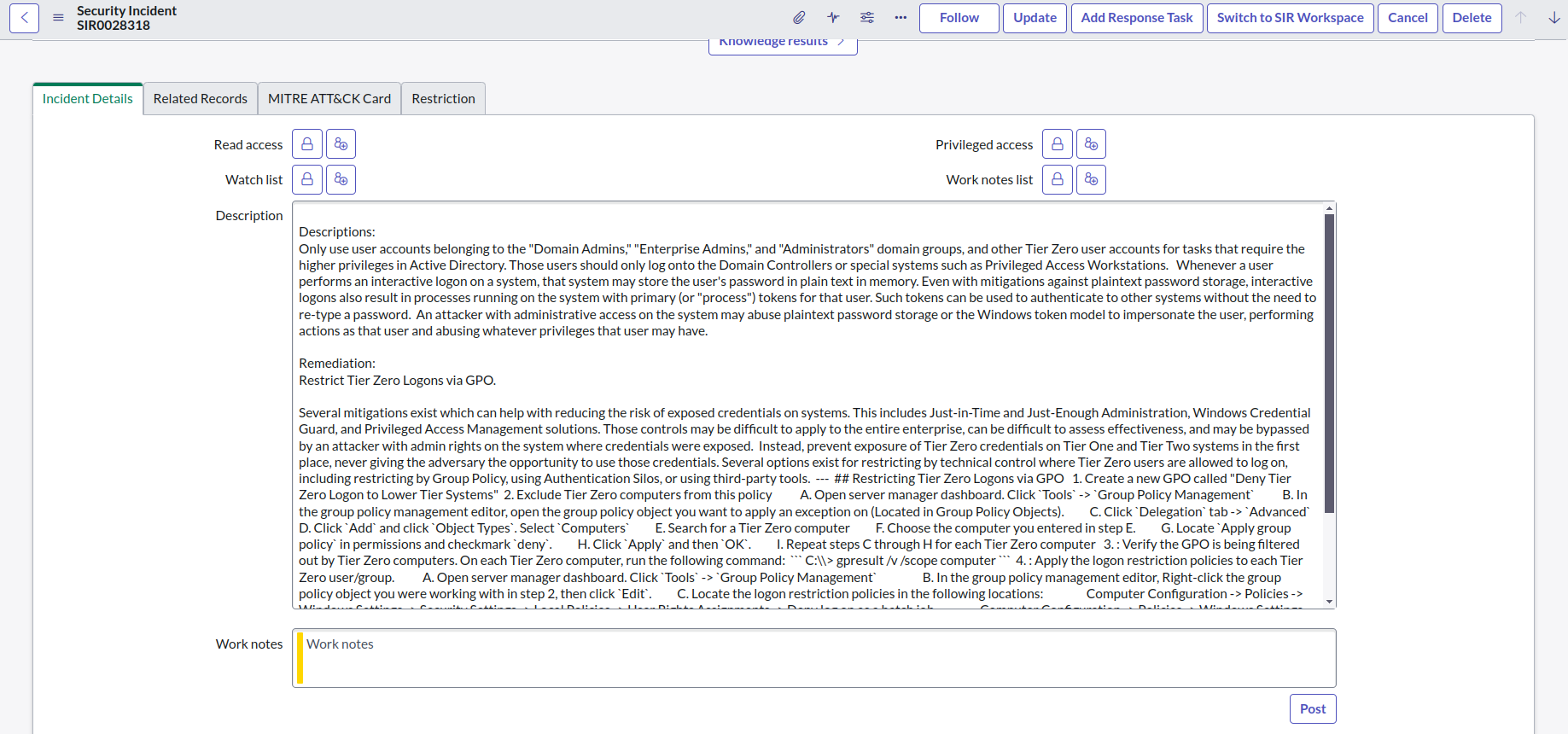
Click a number to view attack path findings and remediation documentation in the incident details.
-
Update incident fields as required.
For example, you can post comments in the Work Notes field.