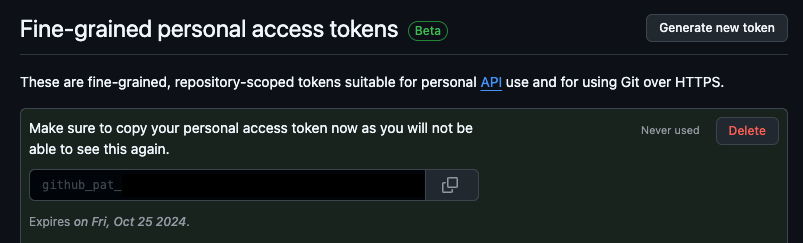
This page covers creating a Fine-grained Personal Access Token (PAT) for GitHub. PATs have a rate limit of 5,000 API requests per hour.
Create a Fine-grained Personal Access Token
1
Navigate to Personal Access Tokens
Navigate to your GitHub Profile > Settings.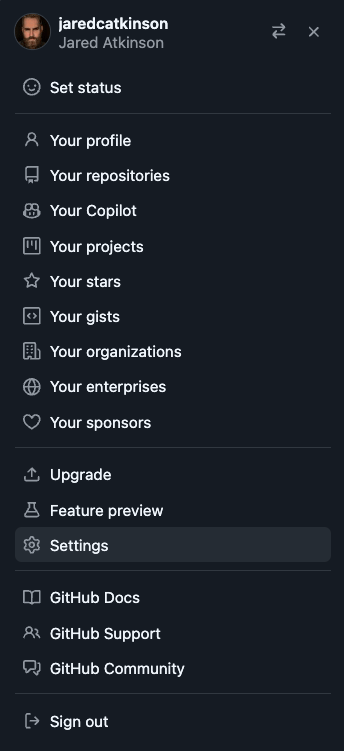
2
Open Developer Settings
Go to Developer settings (bottom left).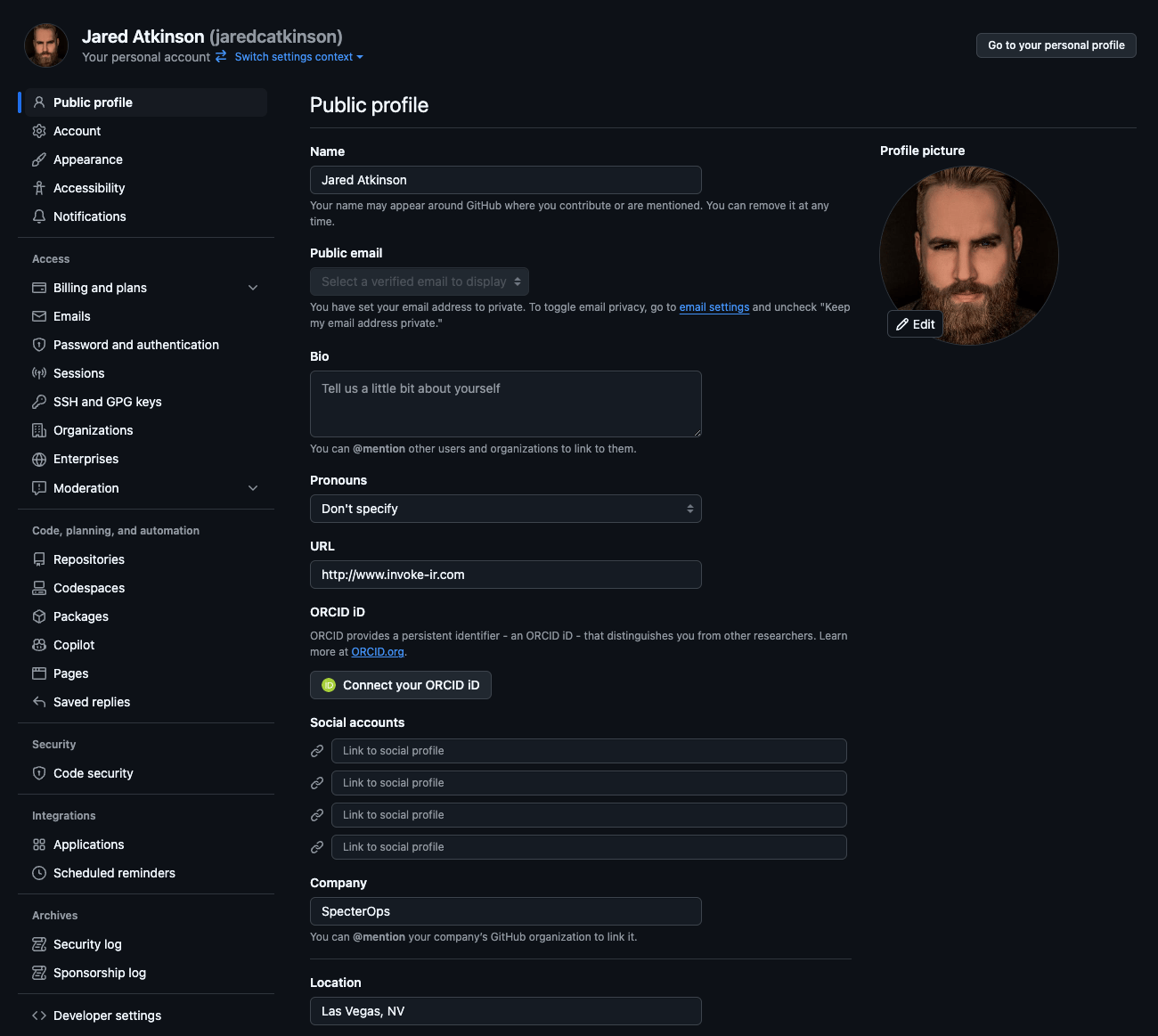
3
Go to Fine-grained Tokens
Navigate to Personal access tokens > Fine-grained tokens.
4
Generate a new token
Click Generate new token.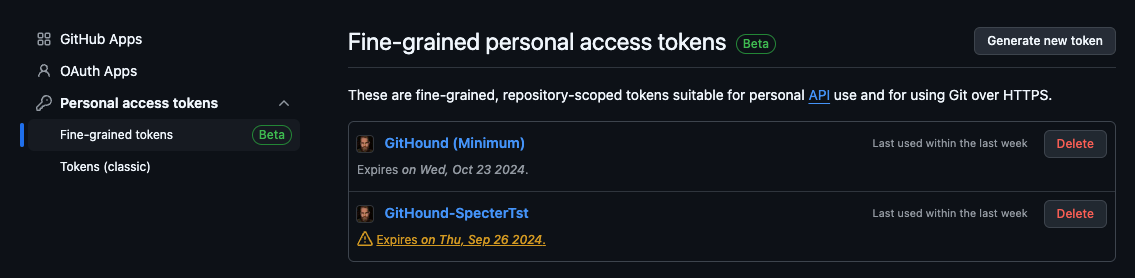
5
Set resource owner
Set the Resource owner to your target organization.
6
Configure the access scope
Under Repository access, select All repositories.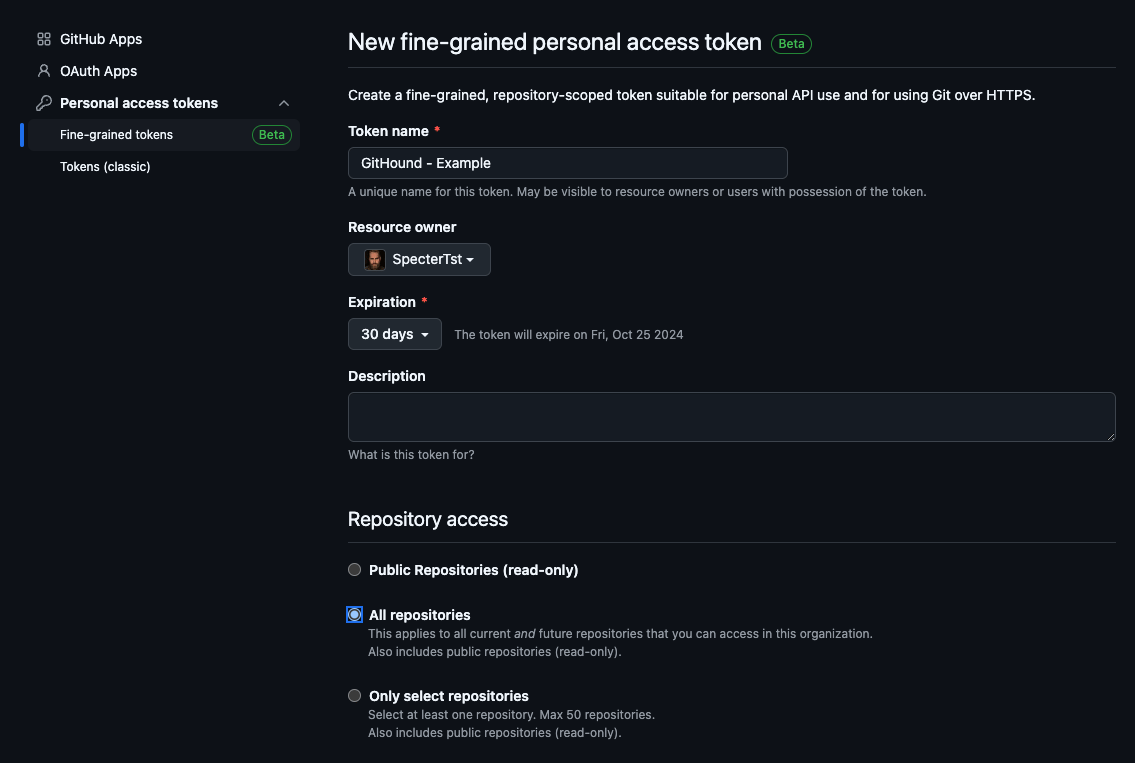
7
Configure the repository and org permissions
Set the following permissions to Read-only:
8
Generate the token
Click Generate token and copy the token value.