

 To help visually differentiate your OpenGraph nodes in BloodHound, you can define custom icons and colors. The method for doing so depends on whether your extension produces a or a :
-
Generic graphs: Use the
POST /api/v2/custom-nodesAPI endpoint to define custom icons and colors. -
Structured graphs: Define icons and colors directly in the
node_kindsarray of your .
Icon options
BloodHound supports the full free, solid icon set from Font Awesome. View available icons on the official Font Awesome docs. When specifying an icon:- Use the Font Awesome icon name without any prefix, for example
houseorsmile(notfa-houseorfas-house). - Optionally specify a color per node kind. Acceptable values are
#RGBor#RRGGBB. - If an icon name cannot be resolved, BloodHound renders a
(?)icon. Use thePUT /api/v2/custom-nodesendpoint to correct invalid mappings.
Examples
The following examples show how to define custom icons for OpenGraph node kinds using an extension definition schema, the API Explorer, and a Python script.Extension definition schema
For structured graphs, define icons and colors directly in thenode_kinds array of your extension definition schema.
Direct API call
The following example request payload defines custom icons for three node kinds (person, device, and alert).
Use this payload with the POST /api/v2/custom-nodes endpoint to create custom node icon mappings.
POST /api/v2/custom-nodes
BloodHound API Explorer
You can set custom icons directly from the BloodHound API Explorer without writing any code.1
Open the API Explorer
Navigate to the API Explorer from the BloodHound menu.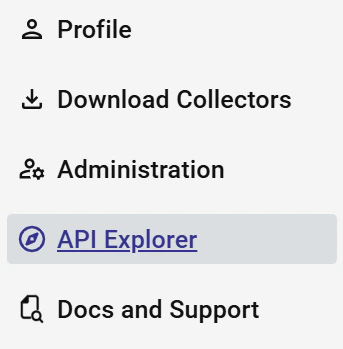
2
Select the POST endpoint
Under Custom Node Management, expand the 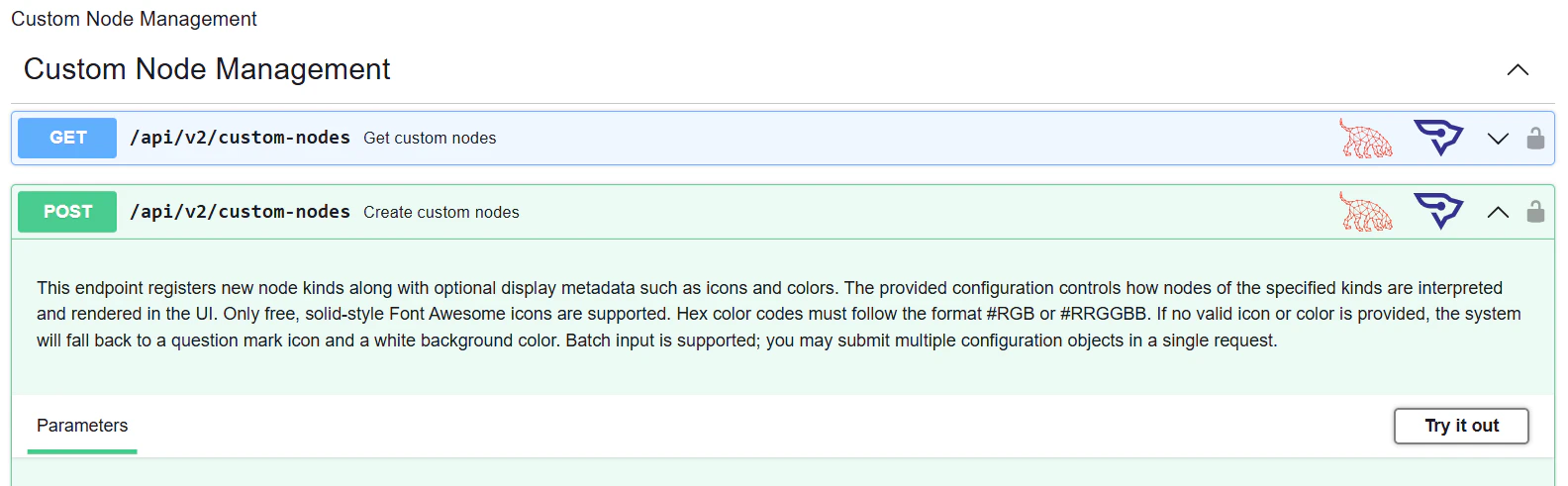
POST /api/v2/custom-nodes endpoint and click Try it out.3
Enter your payload and execute
Enter your custom icon configuration in the Request body field and click Execute.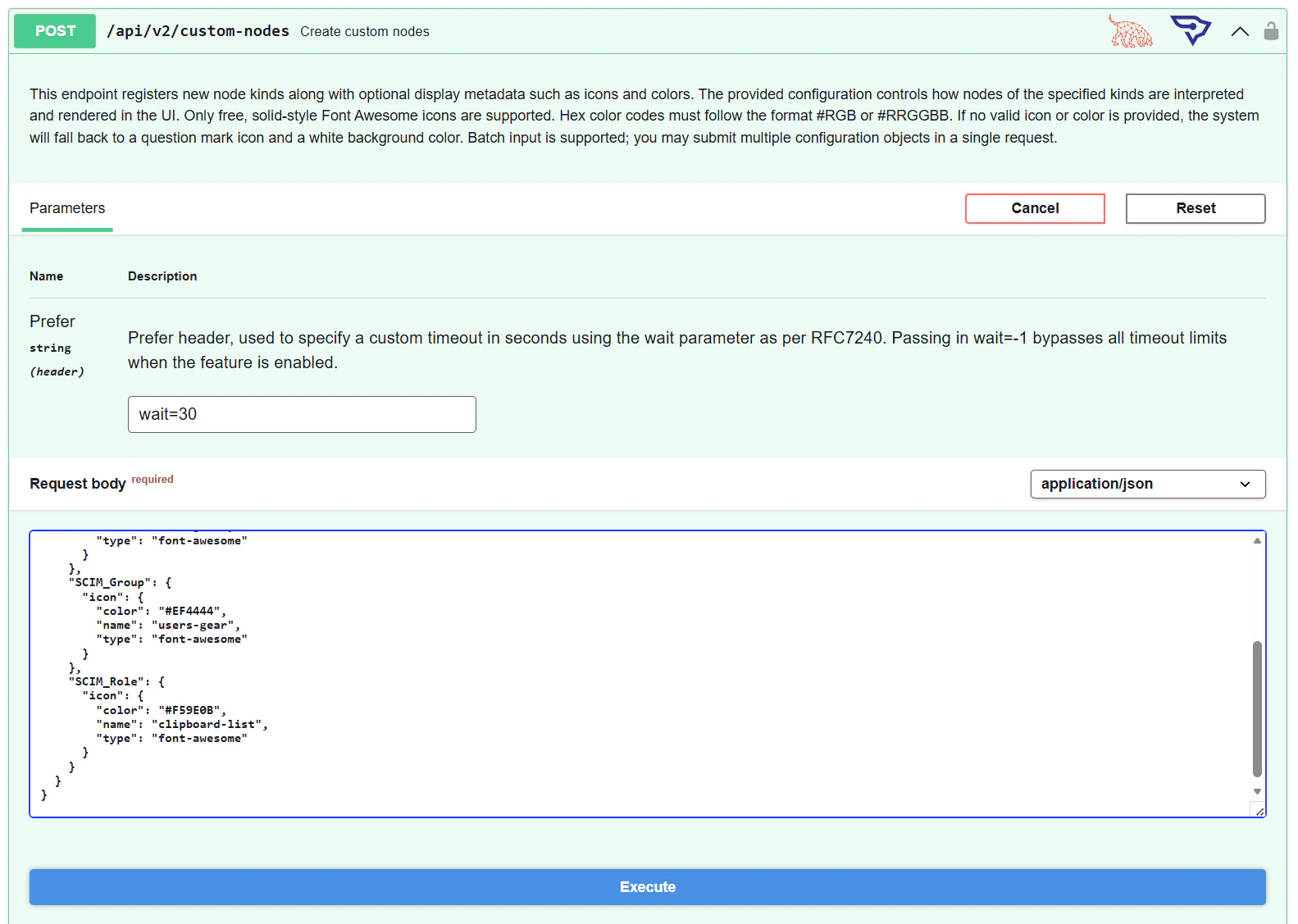
4
Verify the response
A 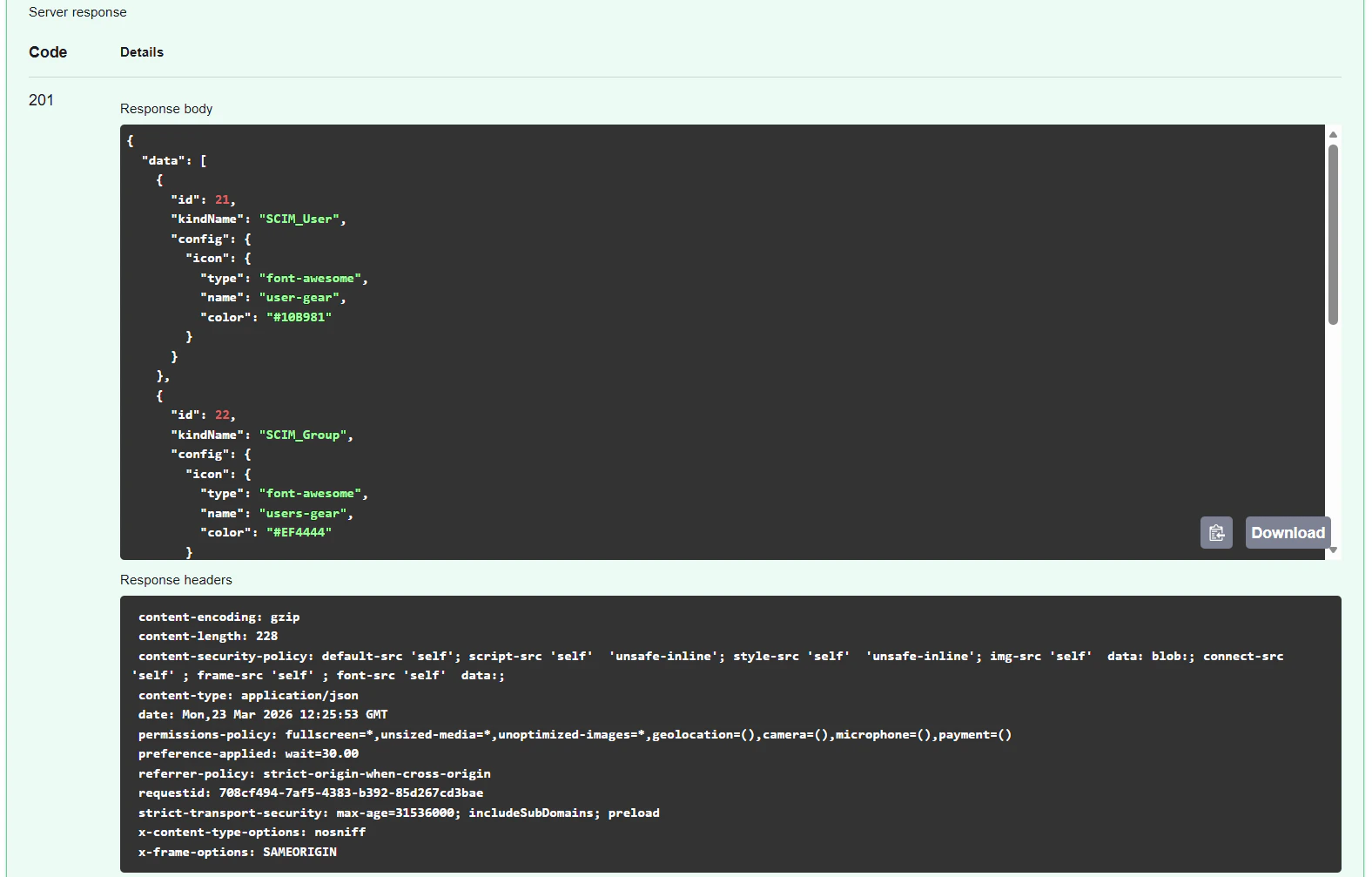
201 response confirms your custom icons were created successfully.Python script
Use the following Python script to define custom icons via the API. You will need to generate a Bearer Token.define_icon as many times as needed for each of your node types.